
Bey Rivals codes: redeem safely and check the latest announcement
Most Roblox code pages are a table of strings nobody verifies. This one does the opposite: it shows exactly where an official announcement appears, how to confirm a code before you type it, and what to do when a third-party list disagrees with the game.
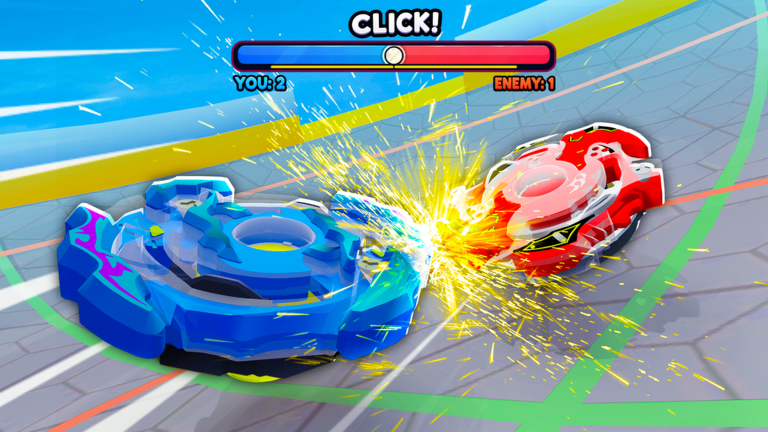
Official in-game clash — the launch window and the running score are the two readouts worth learning before you queue.
Current status
No first-party Bey Rivals code list is published in this release. This site does not copy third-party code strings or rewards.
- status
- No first-party code list available at check time
- checked_date
Where official codes appear
These four surfaces are first-party Roblox endpoints. Every code worth redeeming is announced through one of them.
| surface | why it matters |
|---|---|
| Official game page | The experience description is where the creator posts announcements. If a code is real, it appears here or in the group. |
| BBR Productions group | A community of 218,385 members. Join it so the developer's posts reach you directly instead of through a search result. |
| Official group page | Returns the group name, description and member count straight from Roblox, so the community size quoted on this page is checkable. |
| Official media list | Lists the images and the preview video the creator published for the experience, including new key art after a patch. |
How to redeem a code without wasting time
- Confirm the code text appears on an official Roblox or BBR Productions surface. If it only appears on a guide page or in a video description, treat it as unverified.
- Open the official experience from the Roblox listing, never from a mirror link.
- Use the code entry point the developer points you to. This guide deliberately does not name a button, a key or a menu label the creator has not published.
- Type the code exactly as announced — Roblox codes are usually case-sensitive and often end in a punctuation mark.
- Read the in-game response. The game is the final authority on whether a code worked, expired, or had an unmet requirement.
- Never share your Roblox password, email, or 2FA code with any guide, tracker, or form.
When two code lists disagree
This happens constantly in a game that patches often, and it is why a static table goes stale. Use this order instead of guessing:
| order | source of truth | what it settles |
|---|---|---|
| 1 | The in-game response after you redeem | Whether a code works for your account right now. |
| 2 | The official announcement and its date | Whether the code was ever real, and when it was issued. |
| 3 | The creator group post | Whether the code was retired or replaced by a newer one. |
| 4 | Third-party code tables | Nothing on their own. Use them only to find candidates, then verify. |
Trust order applied on .
Code verification checklist
- Confirm the code appears on an official Roblox or BBR surface.
- Open the official game from the Roblox listing before redeeming.
- Do not share account credentials with any guide or form.
- If redemption fails, recheck the announcement date and wording rather than retrying random strings.
- After a successful or failed attempt, note the result and return to this page when the next official announcement posts.
Know the game before you queue
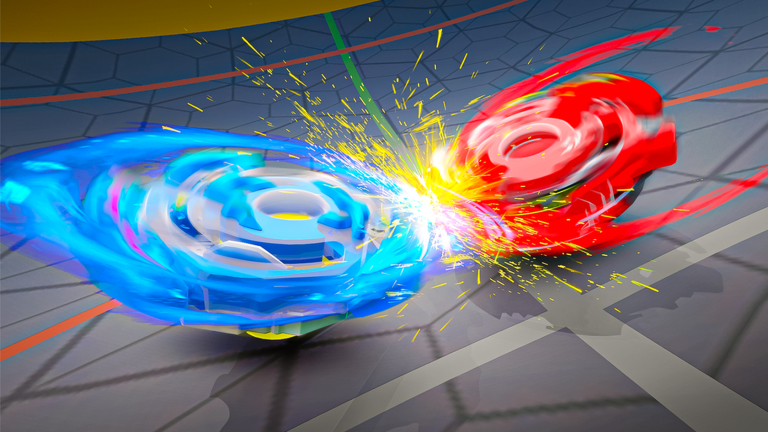
Scam pages copy a game's art and name. The official clash frame below is the one published by BBR Productions — match it against the listing before you type a code anywhere.
- The frame below is official artwork published by BBR Productions.
- Match it against the listing page before you spend Robux on anything.
- The listing icon appears on the same page, so both should match what you see.
Official sources
Scoped check date: